Description
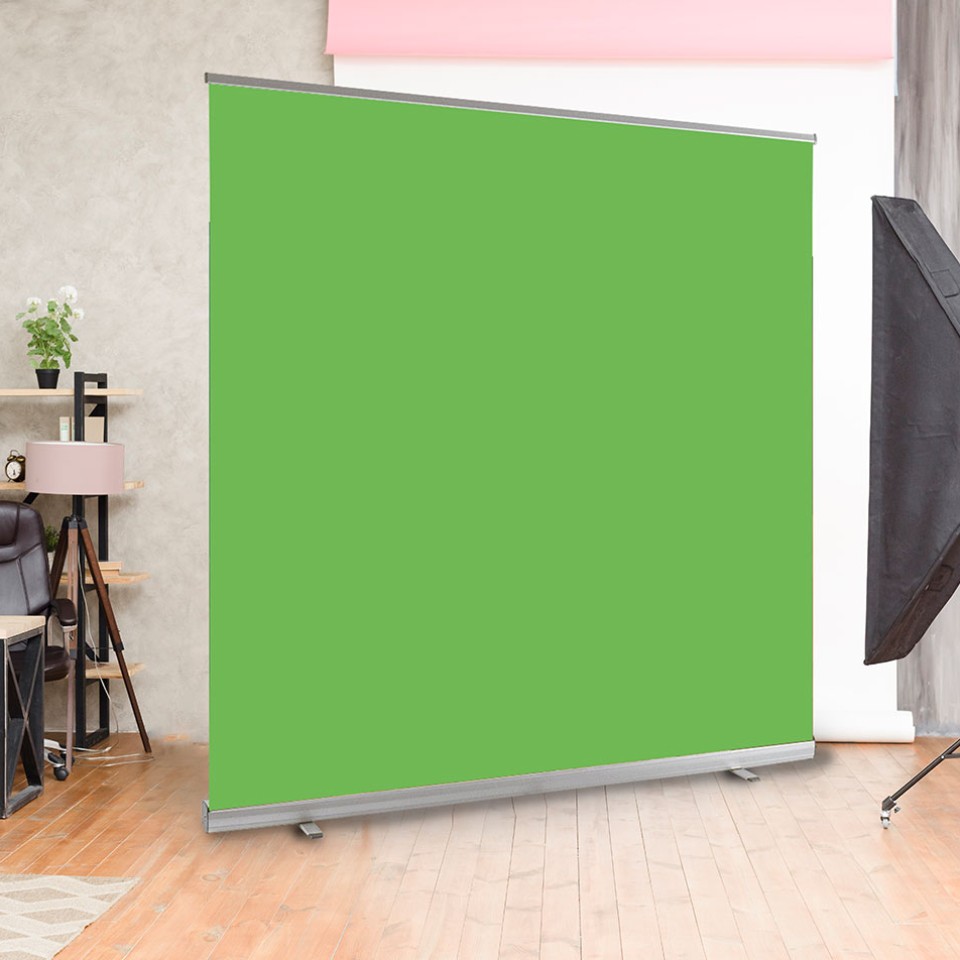
Portable Chroma Key Green Screens
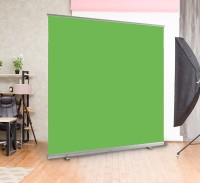
Chroma key green screens offer a quick and inexpensive way to create virtual backdrops in seconds. Green screens are great for creating YouTube videos and are popular amongst videographers, social media influencers and gamers for their live streams. The versatility of these screens enables users to create professional virtual backgrounds for video conferencing, facilitating an enhanced work-from-home setup.
The primary reason for using a specific shade of green (known as “Chroma key green”) is that it is not a colour typically found in human skin tones or most objects, making it easier to distinguish and remove during post-production. When filming a video or taking photos with a green screen background, the subject (whether an actor or an object) is positioned in front of the green screen. This setup facilitates the seamless addition of special effects or other composited elements to the final image or footage.
In the post-production stage, video or photo editing software like Adobe Premiere Pro, Final Cut Pro, or Adobe Photoshop is commonly used to remove the green background and replace it with another image or video footage. This process is known as keying. Keying involves selecting a specific colour, in this case green and making it transparent in the final composition. This allows the subject to be overlaid onto a different background or combined with other visual elements seamlessly. The advantage of this technique is the ability to composite multiple visual elements together, creating a cohesive and visually compelling final product. By removing the green screen and replacing it with a new background, editors can transport the subject to any desired setting or integrate them with additional graphical or video components.
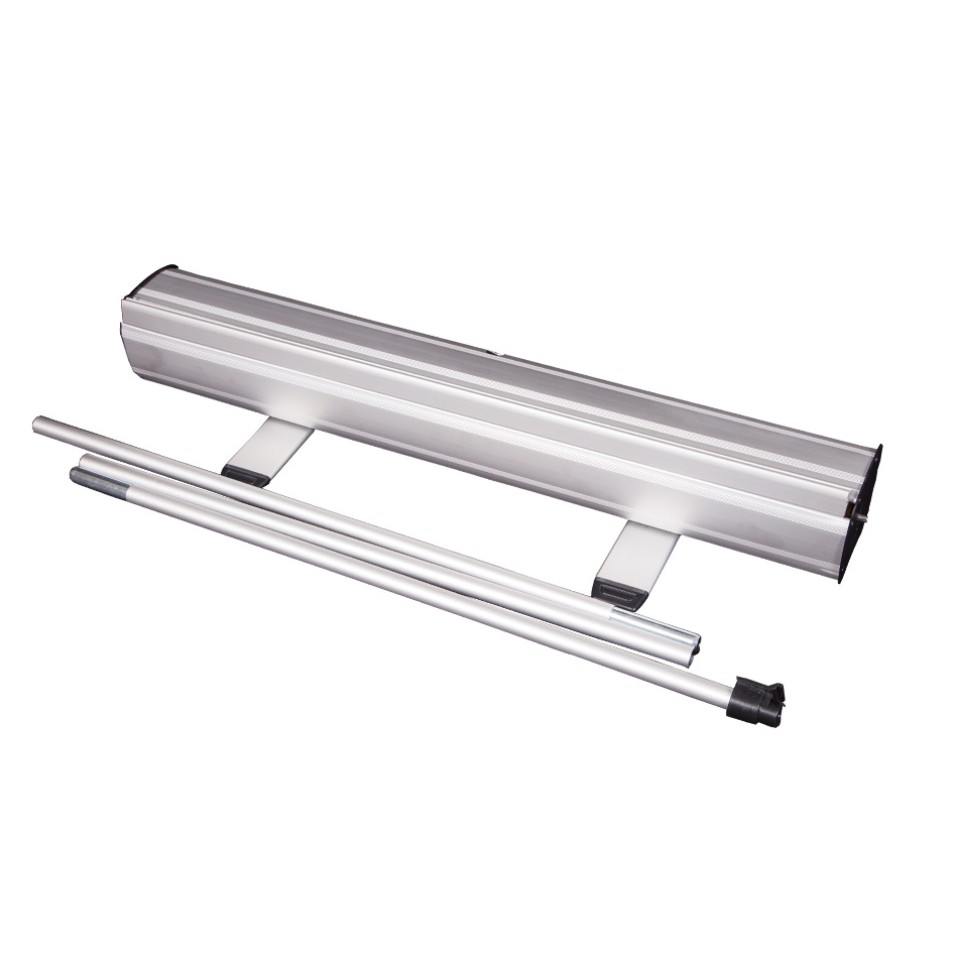
If you've already purchased the stand from elsewhere or would like to re-use your existing one, why not purchase our roller banner replacement graphics? Our high-quality replacement prints are designed to fit seamlessly into your existing stand, giving it a fresh and professional look without the need for a brand-new setup.
Green Screens
Description
Portable Chroma Key Green Screens
Chroma key green screens offer a quick and inexpensive way to create virtual backdrops in seconds. Green screens are great for creating YouTube videos and are popular amongst videographers, social media influencers and gamers for their live streams. The versatility of these screens enables users to create professional virtual backgrounds for video conferencing, facilitating an enhanced work-from-home setup.
The primary reason for using a specific shade of green (known as “Chroma key green”) is that it is not a colour typically found in human skin tones or most objects, making it easier to distinguish and remove during post-production. When filming a video or taking photos with a green screen background, the subject (whether an actor or an object) is positioned in front of the green screen. This setup facilitates the seamless addition of special effects or other composited elements to the final image or footage.
In the post-production stage, video or photo editing software like Adobe Premiere Pro, Final Cut Pro, or Adobe Photoshop is commonly used to remove the green background and replace it with another image or video footage. This process is known as keying. Keying involves selecting a specific colour, in this case green and making it transparent in the final composition. This allows the subject to be overlaid onto a different background or combined with other visual elements seamlessly. The advantage of this technique is the ability to composite multiple visual elements together, creating a cohesive and visually compelling final product. By removing the green screen and replacing it with a new background, editors can transport the subject to any desired setting or integrate them with additional graphical or video components.
If you've already purchased the stand from elsewhere or would like to re-use your existing one, why not purchase our roller banner replacement graphics? Our high-quality replacement prints are designed to fit seamlessly into your existing stand, giving it a fresh and professional look without the need for a brand-new setup.
How to order
- Use the pricing calculator to customise your order.
- Submit your print-ready artwork using the link in your order confirmation email. If you need to create your artwork, use one of our templates and upload it via the same link.
- No Proof Required: Artwork will go straight to print without a digital proof.
- Proof Required: We will email you a PDF proof for approval. Production starts only after you approve it, and delivery times depend on approval by 12pm.
Delivery Info
-
Orders are dispatched Monday to Friday, excluding weekends and bank holidays. For business addresses, delivery times are between 8.30am to 5.30pm. Residential addresses are scheduled between 8.30am to 7pm.
-
Once the order has been dispatched, a notification via email or SMS will be sent for you to track your order.
-
If you find any damage to your parcel or goods upon delivery, sign for the order as damaged and / or take clear photos of the outer delivery label and packaging. Make sure to notify us within 4 working days of receiving the package along with your photo evidence.
-
If for whatever reason your product does not arrive, please contact us within 48 hours of the estimated delivery date. We will assist you in resolving the issue promptly.